

Declare your app's network access in shopify.app.toml
Shopify has added a [network_access] section to shopify.app.toml for declaring external hosts and servers; it is recommended for all apps, but no deadline is announced.
- Published
- 22 Nov 2026
What changed
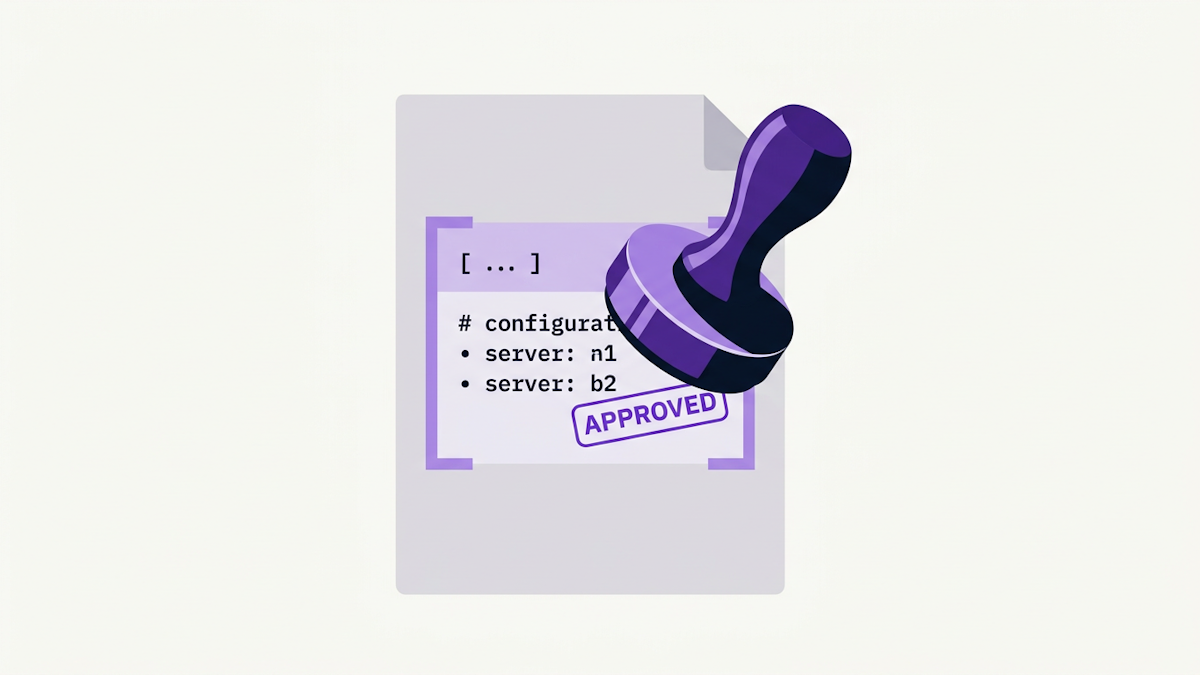
Shopify has added a [network_access] section to shopify.app.toml. You use it to declare the external hosts and servers your app depends on. Normally Shopify warns customers when they navigate to a URL outside Shopify. Declaring your external hosts skips that warning for trusted journeys, and declaring your servers helps Shopify spot suspicious activity and protect your app.
The section has two properties:
allowed_navigation_hosts: the external sites your app links to from the storefront, such as your own domain. Links to these hosts skip the warning Shopify normally shows before sending customers to a site outside the storefront. List each host exactly as it appears in your links, up to 20.allowed_sources: up to 20 HTTPS origins that your app's code loads from or sends requests to on storefront, checkout and Shopify admin pages. This includes your extensions, app home and app proxy pages. Shopify uses the list to protect your app and to monitor storefronts for malicious requests.
Here is the example configuration from the changelog:
[network_access]
allowed_navigation_hosts = ["app.example.com"]
allowed_sources = ["https://api.app.example.com"]Who is affected
Any app whose code links to or contacts external servers from a storefront, checkout or the Shopify admin can use the new [network_access] section. That covers extensions, app home and app proxy pages that send customers to, or make requests to, hosts outside Shopify.
Shopify marks the changelog entry "Action required" and says it strongly recommends the change for all apps. The changelog does not state a hard requirement, and it does not say what happens to apps that do not declare anything. The Shopify metadata for the item also leaves its action-required field empty.
What to do
Shopify strongly recommends this for all apps. Follow these steps.
Add every external host that your app links customers to from the online store to
allowed_navigation_hosts. Only list hosts that you control, such as your app's own domain.Add every external server that your app's code loads from or sends requests to, such as your API or CDN, to
allowed_sources. This covers your extensions and the pages your app serves, such as app home and HTML or Liquid app proxy pages.Run
shopify app deployand release the new version.
What to leave out
Anything that Shopify serves, such as the files in a theme app extension's
assetsfolder.Your app proxy URL. The store serves app proxy pages from its own domain.
Checkout UI extensions
A checkout UI extension that calls fetch() also needs the network_access capability in its own shopify.extension.toml file. That capability is separate from the app's [network_access] section, so you still need to add the server to allowed_sources.
List each host and source once, however many parts of your app use it.
Example configuration
This example comes from Shopify's guide to declaring network access. A theme app extension block links to the app's review page, loads a widget from the app's CDN, and fetches reviews from the app's API.
Theme app extension
<div id="reviews" data-product-id="{{ product.id }}"></div>

<a href="https://app.example.com/reviews/{{ product.handle }}">
  Read all reviews
</a>

<script src="https://cdn.app.example.com/widget.js" defer></script>
<script src="{{ 'reviews.js' | asset_url }}" defer></script>fetch(`https://api.app.example.com/reviews?product_id=${container.dataset.productId}`)
.then((response) => response.json())
.then((reviews) => renderReviews(container, reviews));The block's own reviews.js is in the extension's assets folder. Shopify serves it, so it needs no entry. The link, the widget script and the fetch do need entries.
Before
# No [network_access] section declaredAfter
[network_access]
# The "Read all reviews" link
allowed_navigation_hosts = ["app.example.com"]
allowed_sources = [
  # The widget script
  "https://cdn.app.example.com",
  # The fetch in reviews.js
  "https://api.app.example.com",
]
Combined configuration
The guide also shows an app proxy page, which links to help.app.example.com and loads the same widget, and a checkout UI extension that calls the same API. List each host and source once, however many parts of the app use it. Together, the three examples need this configuration:
[network_access]
allowed_navigation_hosts = [
  "app.example.com",
  "help.app.example.com",
]
allowed_sources = [
  "https://api.app.example.com",
  "https://cdn.app.example.com",
]Deadline
No deadline is announced in the sources. The changelog was published on 27 October 2026. That is the announcement date, not a deadline.
The changelog is flagged "Action required", but it states no date by which apps must declare their network access, and the sources describe no API version removal tied to this change.
Your declarations apply to every store that has your app installed only after you deploy and release a version that includes them. Shopify checks both lists when it creates the app version, and rejects the deploy if an entry breaks the rules in the network_access reference.
Get the weekly digest
One email every Monday: what changed in Shopify, the deadlines coming up and what’s been announced, plus the week’s new guides. Free, and you can unsubscribe in one click.
Sources
- Secure your app with network access rules in `shopify.app.toml` · Shopify · accessed 27 Oct 2026
- App configuration · Shopify · accessed 27 Oct 2026
- Declare your app's network access · Shopify · accessed 27 Oct 2026
AI-assisted, reviewed by Scott. Every claim is checked against the sources above.