

Shopify App Billing Explained: Subscriptions, Usage Charges, Capped Amounts and Trials
Shopify offers two ways to bill merchants: Shopify App Pricing, configured in the Partner Dashboard, and the Billing API for existing apps and unusual pricing models.
- Published
- 15 Nov 2026
- As of
- 2 Nov 2026
This guide is for app developers designing pricing plans. We cover which billing route to pick, how recurring and usage charges combine, what capped amounts do, how trials and plan changes fit in, and when billing through Shopify is required.
When you have to bill through Shopify
If your app is listed on the Shopify App Store, you bill through Shopify. The billing docs say all apps published there must use a Shopify provided billing solution. That means no taking cards yourself and no sending merchants off to a payment page of your own. Charges land on the merchant's Shopify invoice, and Shopify handles chargebacks.
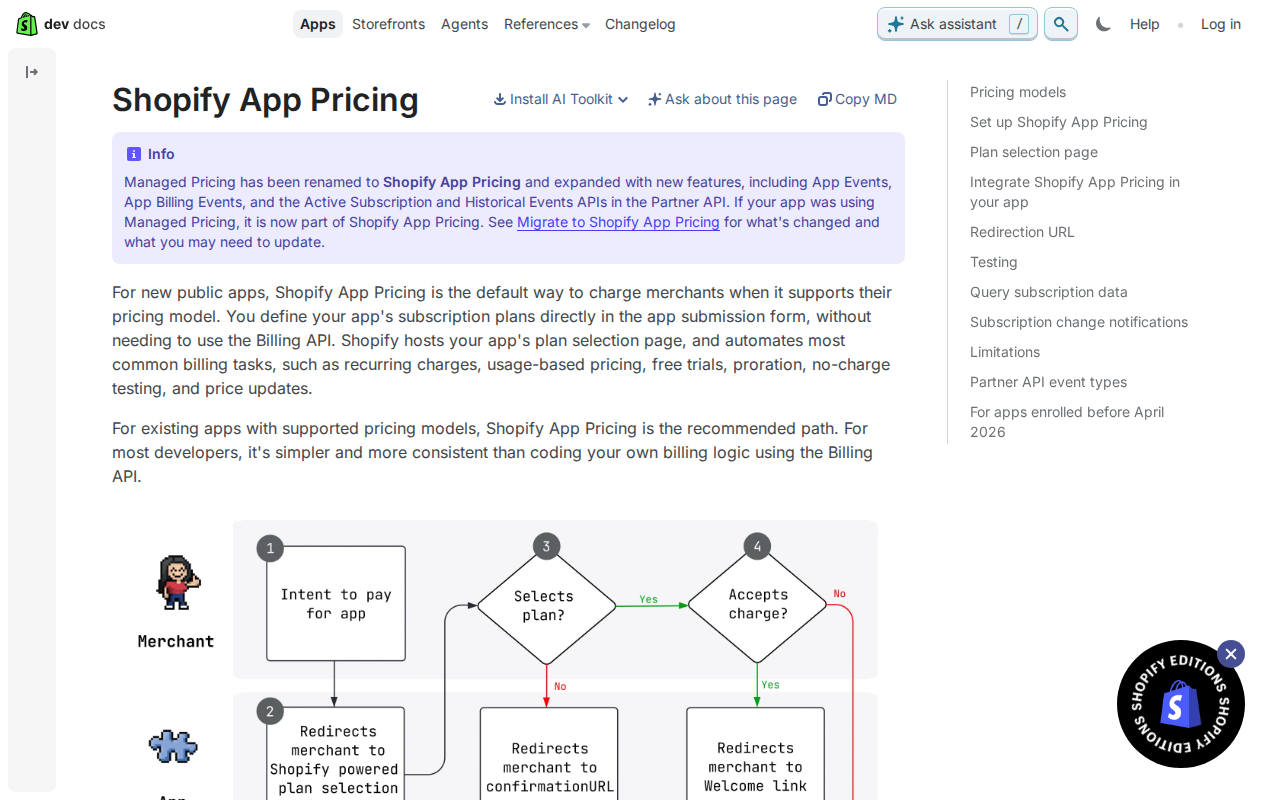
There are two routes. Shopify App Pricing is the default for new public apps, as long as it supports your pricing model. You define plans in the Partner Dashboard and the app submission form, including prices and default trial length, and Shopify hosts the plan selection page. It also automates trials, proration, upgrades and downgrades. It covers free, monthly and yearly recurring plans, usage-based pricing and hybrid plans that combine the two. Your app doesn't create charges in code, so don't call appSubscriptionCreate or your framework's billing.request helper alongside it. You report usage with the App Events API instead.
The second route is Manual Pricing with the Billing API. Here you write the billing code yourself and call the GraphQL Admin API. It's still supported for existing apps and for outlier pricing models that Shopify App Pricing doesn't cover. One-time app purchases are the clearest example. If you already run on billing.request or appSubscriptionCreate, you don't have to migrate, though Shopify recommends moving over.
Our tip: map your pricing model against the Shopify App Pricing options before you write any billing code. If it fits, you save yourself the approval flow, the webhooks and the proration logic. If it doesn't, you'll know exactly why you're on the Billing API.
Shopify App Pricing: plans without billing code
With Shopify App Pricing, you set up plans in the Partner Dashboard rather than in code. That covers prices and the default trial length too. Your app doesn't define billing configuration or create charges, so there's no billing request flow to build. Shopify hosts the plan selection page and automates billing, trials, proration, upgrades and downgrades. For new public apps it's the default, as long as it supports your pricing model.
The plan types are broader than you might expect. Recurring plans can be free, monthly, yearly, or monthly with a yearly discount. Usage-based plans can use fixed, graduated or volume pricing. You can also combine a recurring fee with usage charges for a hybrid plan. This tends to help because you can start with a base fee that covers your fixed costs and let heavier users pay more as they go. One catch: plan prices are set in USD, so merchants billed in another currency see estimates in their own currency.
On the code side, the main rule is to leave the old calls alone. Don't call the Billing API's appSubscriptionCreate mutation or your framework's billing.request helper to charge merchants. If you have usage-based plans, you report billable events through the App Events API. To check where a merchant stands, query activeSubscription on the Partner API, which returns the live contract state. That's a different source from the GraphQL Admin API used by the Billing API, so don't reuse your old status checks unchanged.
Testing is straightforward. The Partner Dashboard has a $0 private test plan in the Private plans section, which you can use to exercise your billing integration. On a development store, selecting a paid plan at no charge creates a subscription contract with effective prices of $0 for the recurring and usage-based items. Our tip: run a hybrid plan through a development store and send a few usage events. You'll see the whole path work before a real merchant does.
Manual Pricing: subscriptions and usage charges in the Billing API
Manual Pricing is where you write the billing code yourself. Shopify still recommends Shopify App Pricing for public apps, but the Billing API remains supported for existing apps and for outlier pricing models that App Pricing doesn't cover. One clear example is a one-time app purchase: Shopify App Pricing doesn't support those, so they need Manual Pricing with the Billing API. If you already have a working billing.request or appSubscriptionCreate integration, the docs say you don't need to migrate to keep it running. Moving is a choice, not a deadline.
The flow starts with a call to the appSubscriptionCreate mutation, which takes a name and a returnURL. The plan itself goes on the line item, in the appRecurringPricingDetails field. There you give a currency code, a price and an interval. The interval accepts ANNUAL or EVERY_30_DAYS, and EVERY_30_DAYS applies if you leave it out. Note that Shopify's billing intervals are every 30 days and every 365 days, not calendar months. Say so in your plan copy, because merchants will read "monthly" literally. Your app also needs to make authenticated requests to the GraphQL Admin API before any of this works.
Nothing is charged until the merchant approves the plan. After they accept, Shopify redirects them to the URL you supplied as returnURL. Treat that page as a landing spot, not proof of payment. Subscribe to the APP_SUBSCRIPTIONS_UPDATE webhook topic instead, so you hear about status changes, such as a successful charge. This tends to be more reliable because merchants can close the tab before the redirect finishes, while the webhook doesn't depend on the browser. Proration and deferral of charges are handled by Shopify, so you don't need to calculate them yourself.
Usage charges and capped amounts
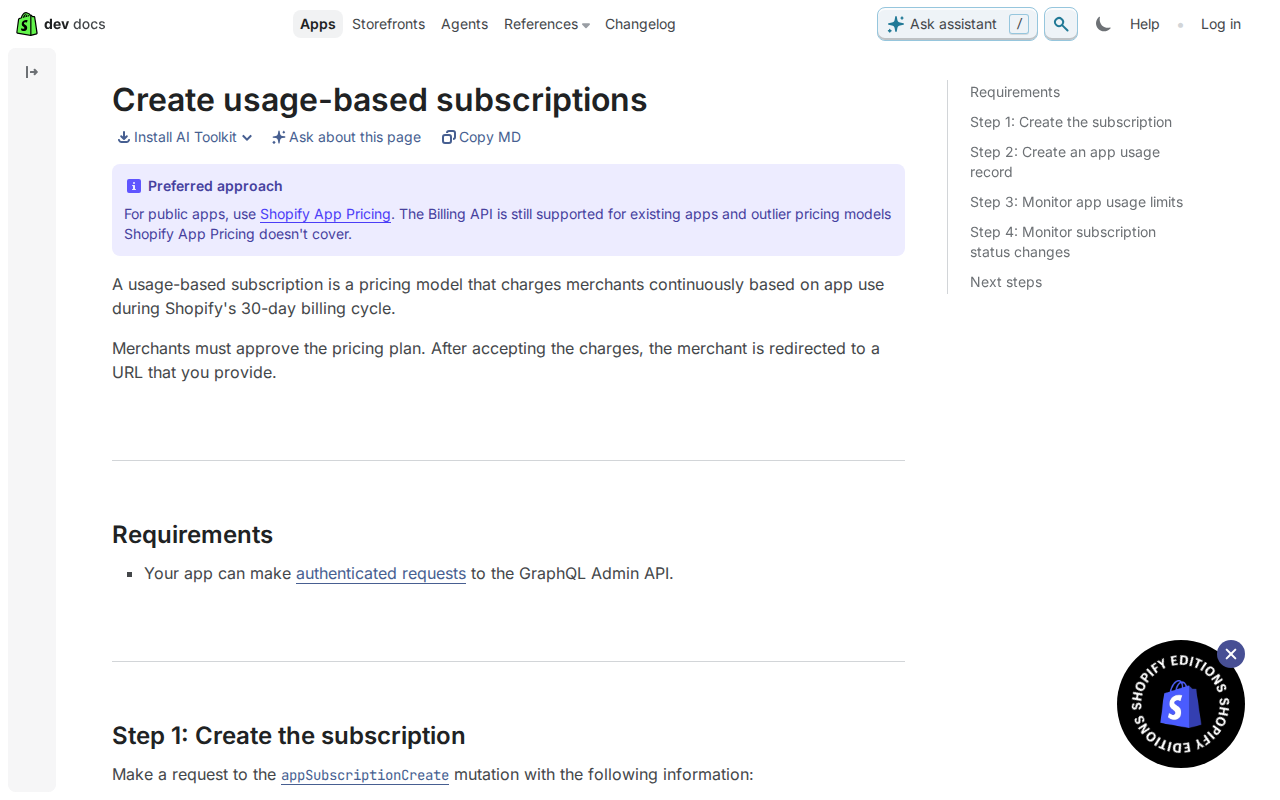
A usage-based subscription bills merchants continuously for what they actually use during Shopify's 30-day billing cycle. You set a cappedAmount when you create the subscription. That is the most a merchant can be billed in one cycle, and its currency has to be one of the supported currencies listed in Shopify's billing docs. For the merchant, the cap is the promise that a busy month won't produce a surprise invoice. For you, it is a hard ceiling on revenue per cycle.
To record usage, you call the appUsageRecordCreate mutation. Each record must carry the AppSubscriptionLineItem.id from the subscription that appSubscriptionCreate returned. So store that line item ID when the merchant approves the plan, not just the subscription ID. This tends to save you a painful backfill later, because usage records can't be attached to anything you didn't keep.
The cap isn't fixed once you've set it. Merchants can change their subscription's capped amount in the Shopify admin, so don't treat your original value as permanent. Subscribe to the APP_SUBSCRIPTIONS_UPDATE webhook to learn when a cap changes. Subscribe to APP_SUBSCRIPTIONS_APPROACHING_CAPPED_AMOUNT too, which fires when a merchant reaches or exceeds 90% of the cap.
Our tip: design the cap and your in-app messaging together. Pick a cap that fits how your typical merchant uses the app, then use the approaching-cap webhook to show a clear notice, such as how usage is billed and how to raise the cap. This tends to help because a merchant who sees the warning early can decide to raise the limit, rather than finding features paused or usage unbilled at the ceiling.
Trials, plan changes and currencies
Under Shopify App Pricing, you set a default trial length on each plan in the Partner Dashboard, alongside the price. Your app doesn't define billing configuration or create charges in code. Shopify also automates trials, proration, upgrades and downgrades, so you don't build plan-change logic yourself. That is a real saving, because plan changes mid-cycle are where hand-rolled billing code tends to go wrong. If you're still on the Billing API, Shopify handles prorating and deferring app subscription charges there too. Read the proration section of the subscription billing docs before you design upgrade and downgrade paths, so your plan structure matches what Shopify will actually do.
Currency needs a little thought. Under App Pricing, you set plan prices in USD. Merchants billed in another currency see those prices as estimates in their billing currency, so the figure on their invoice may not match what they saw on the plan page. If your app shows prices anywhere in its own interface, label them clearly to avoid confusion. When you need to know a merchant's local billing currency, retrieve it with the GraphQL Admin API's shopBillingPreferences query. Pass the currency value as input.
One habit will save you support tickets: don't keep your own idea of a merchant's plan. Listen for the subscription webhooks, such as the APP_SUBSCRIPTIONS_UPDATE topic on the Billing API, and treat Shopify as the source of truth for status. Under App Pricing, the Partner API's activeSubscription query returns the live contract state, so use that rather than a cached copy. This tends to help because merchants can change things outside your app, and a stored flag goes stale quickly.
Get the weekly digest
One email every Monday: the week’s new guides and articles, plus the Shopify deadlines coming up and what’s been announced. Free, and you can unsubscribe in one click.
Sources
- https://shopify.dev/docs/apps/launch/billing · shopify.dev · accessed 2 Nov 2026
- https://shopify.dev/docs/apps/launch/billing/shopify-app-pricing · shopify.dev · accessed 2 Nov 2026
- https://shopify.dev/docs/apps/launch/billing/manual-pricing/subscription-billing/create-time-based-subscriptions · shopify.dev · accessed 2 Nov 2026
- https://shopify.dev/docs/apps/launch/billing/manual-pricing/subscription-billing/create-usage-based-subscriptions · shopify.dev · accessed 2 Nov 2026
AI-assisted, reviewed by Scott. Every claim is checked against the sources above.