

The tools bigger stores use: what changes as traffic grows
Bigger sites lean towards enterprise platforms and their tools, so the Shopify-only view is the fairer guide to what a growing Shopify store adds.
- Published
- 2 Nov 2026
- As of
- 2 Nov 2026
We looked at which tools turn up mostly on bigger sites and which are spread across stores of every size. This is for Shopify developers and the teams they build for, who want to know what tends to get added as a store grows. Traffic bands here are rough steps taken from Chrome data, not visit numbers.
What we mean by a bigger site
When we say a bigger site, we mean one ranked in the top 100,000 in the Chrome UX Report, or CrUX. That covers 192 of the 725 stores we scanned and looked up, about a quarter. Only 25 of them sit in the top 10,000. The other 167 are ranked from 10,001 to 100,000.
The stores we index, by traffic band
Show the data
| Top 10,000 | 3% |
|---|---|
| 10,001 to 100,000 | 23% |
| 100,001 to 500,000 | 42% |
| Beyond 500,000 or not ranked | 32% |
Treat those bands as rough steps, not visit counts. A rank tells you roughly where a site sits relative to others in the dataset. It doesn't tell you how many people visited last month. We never put a traffic figure against any store, and you shouldn't read one into the bands.
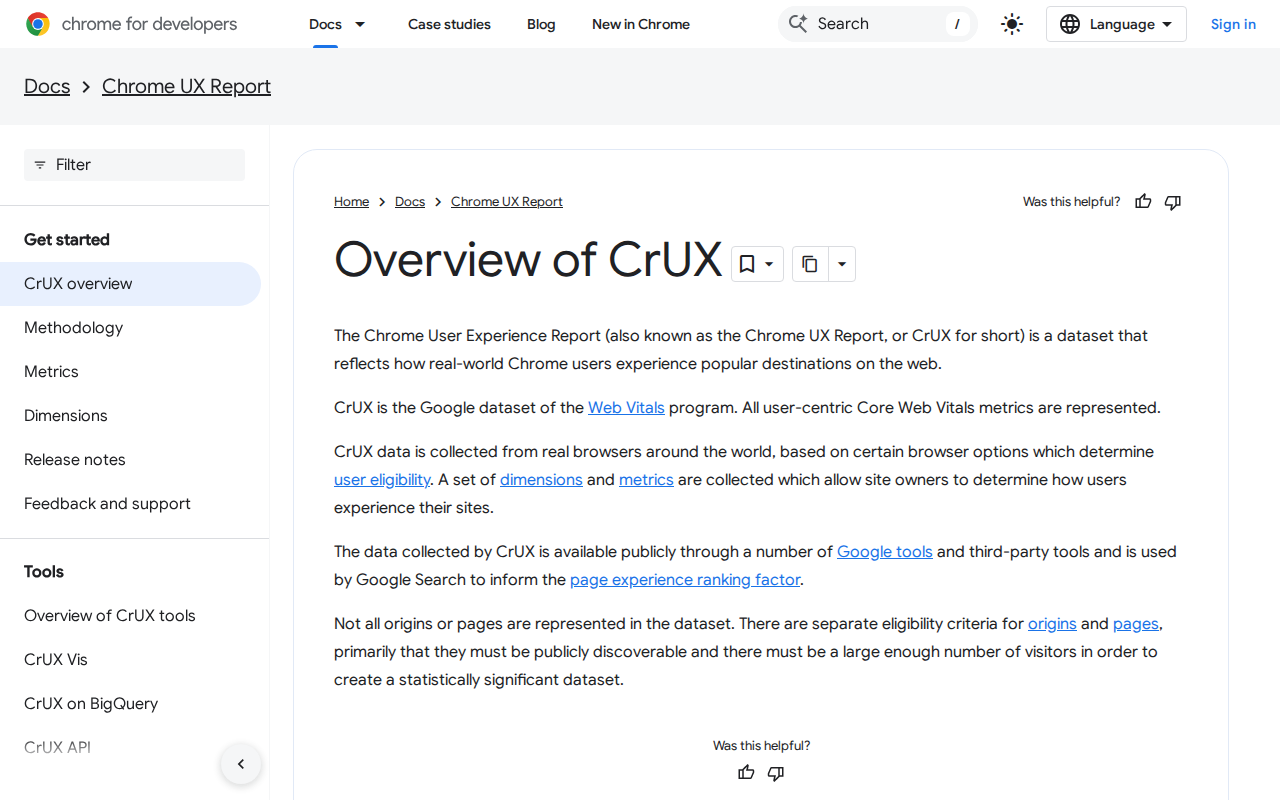
CrUX is a dataset that reflects how real-world Chrome users experience popular destinations on the web. It is also the Google dataset of the Web Vitals programme. It has limits. Not all origins or pages are represented: they must be publicly discoverable, and have enough visitors to create a statistically significant dataset. So 303 stores ranked 100,001 to 500,000, and 230 beyond that or not ranked, are not necessarily small. They may simply sit further down, or fall outside the dataset. Keep that in mind when you read the comparisons that follow.
Why the all-stores view misleads Shopify developers
Look at the all-stores chart and you could think bigger stores run on Adyen, Adobe's tag manager and Salesforce Einstein. Those tools do show up mostly on bigger sites: Adyen is on 27 stores, 17 of them bigger (63%). But much of that is the platform talking, not the traffic.
Personalisation and search tools show the same lean: Dynamic Yield (57%) and Bloomreach (54%) are both found mostly on bigger sites, against 26% across all the stores we index.
Bigger sites on each platform
Shopify stores are far less often bigger sites than Salesforce or Adobe Commerce ones
Show the data
| Shopify | 16% |
|---|---|
| Platform not identified | 50% |
| Salesforce Commerce Cloud | 64% |
| Adobe Commerce (Magento) | 44% |
Tools found most on bigger sites
Share of each tool’s stores that are in the top 100,000 sites, against 26% for all stores we index
Show the data
| All stores we index | 26% |
|---|---|
| Adyen | 63% |
| Adobe Experience Platform Tags | 63% |
| Cloudflare Web Analytics | 62% |
| Salesforce Einstein Recommendations | 62% |
| Narvar | 60% |
| Dynamic Yield | 57% |
| Salesforce Embedded Service | 56% |
| Bloomreach | 54% |
| Constructor | 53% |
| Riskified | 50% |
Bigger sites lean towards enterprise platforms. Of the Salesforce Commerce Cloud stores we scanned, 29 of 45 are bigger sites (64%). For Adobe Commerce (Magento) it is 7 of 16 (44%). Shopify is the odd one out: 84 of 511 are bigger sites, which is 16%. Shopify is the largest group we scanned, but it has a much smaller share of bigger sites. Einstein Recommendations (62% bigger) is a Salesforce product, and Adobe Experience Platform Tags (63%) comes from Adobe's own stack, so it makes sense that they cluster where those platforms do. Cloudflare Web Analytics (62% bigger) is a reminder that not every tool on that chart is tied to one vendor's platform.
So use the Shopify-only view when you are building for Shopify. It compares like with like. One more wrinkle: 122 stores had no platform we could identify, and half of those are bigger sites (61 of 122), so they sit outside either comparison. The tip is simple: check the platform before you copy a tool list. If a bigger store's stack includes an enterprise personalisation or tag tool, ask whether it was chosen for traffic or inherited from the platform. Then ask which Shopify-native route (a web pixel app extension for tracking, say) would do the same job with less code to maintain.
What bigger Shopify stores add
On Shopify alone, about 16% of the stores we scanned are bigger sites (84 of 511). That is the baseline. A tool is worth noticing when its share sits well above it. Delivery tracking stands out: Narvar shows up on 17 Shopify stores, and 9 of them are bigger sites, or 53%. Fraud prevention follows. Riskified is on 19 Shopify stores, 9 of them bigger (47%). Signifyd is on 30, with 10 bigger (33%), still about double the baseline.
On Shopify stores only
Share of each tool’s stores that are in the top 100,000 sites, against 16% for all Shopify stores we index
Show the data
| All Shopify stores we index | 16% |
|---|---|
| Narvar | 53% |
| Riskified | 47% |
| Constructor | 40% |
| Bloomreach | 38% |
| Signifyd | 33% |
| UsableNet | 33% |
| Ordergroove | 31% |
| Nosto | 30% |
| Segment | 30% |
| Amplitude | 30% |
Search and merchandising tools sit in the same range. Constructor is on 10 Shopify stores, 4 bigger (40%), and Bloomreach is on 13, 5 bigger (38%). Nosto, for personalisation, is on 33 stores with 10 bigger (30%). Ordergroove, for subscriptions, is on 16 stores with 5 bigger (31%). Analytics tools Segment and Amplitude are each on 10 stores with 3 bigger (30%). UsableNet, an accessibility tool, is on 15 stores with 5 bigger (33%). Several of these counts are small, so read them as a lean, not a rule.
Treat these as patterns of need, not a checklist. A store tends to add tracking, fraud checks or search when support tickets, chargebacks or catalogue size start to hurt, not because bigger stores have them. As a developer, ask what problem the merchant has first. Then favour tools that fit Shopify's own plumbing. Web pixel app extensions, for example, load tracking in a sandbox and can reduce the tracking code a merchant has to paste in, which suits analytics tools like Segment and Amplitude.
Building for a growing store
When a store grows, the tool stack grows with it, and that's where developers earn their keep. Fraud prevention, delivery tracking, search and analytics all arrive as scripts. Where you can, add them through app embeds and web pixels rather than pasting code into the theme. Shopify's docs say web pixel app extensions load pixels in a secure sandbox, with APIs for subscribing to customer events. They can also reach the storefront, checkout and post-purchase pages, and they can eliminate or minimise the need for merchants to add tracking code. This tends to help because the merchant's team can switch a tool on or off without touching Liquid, and nobody has to hunt through the theme for a stray snippet.
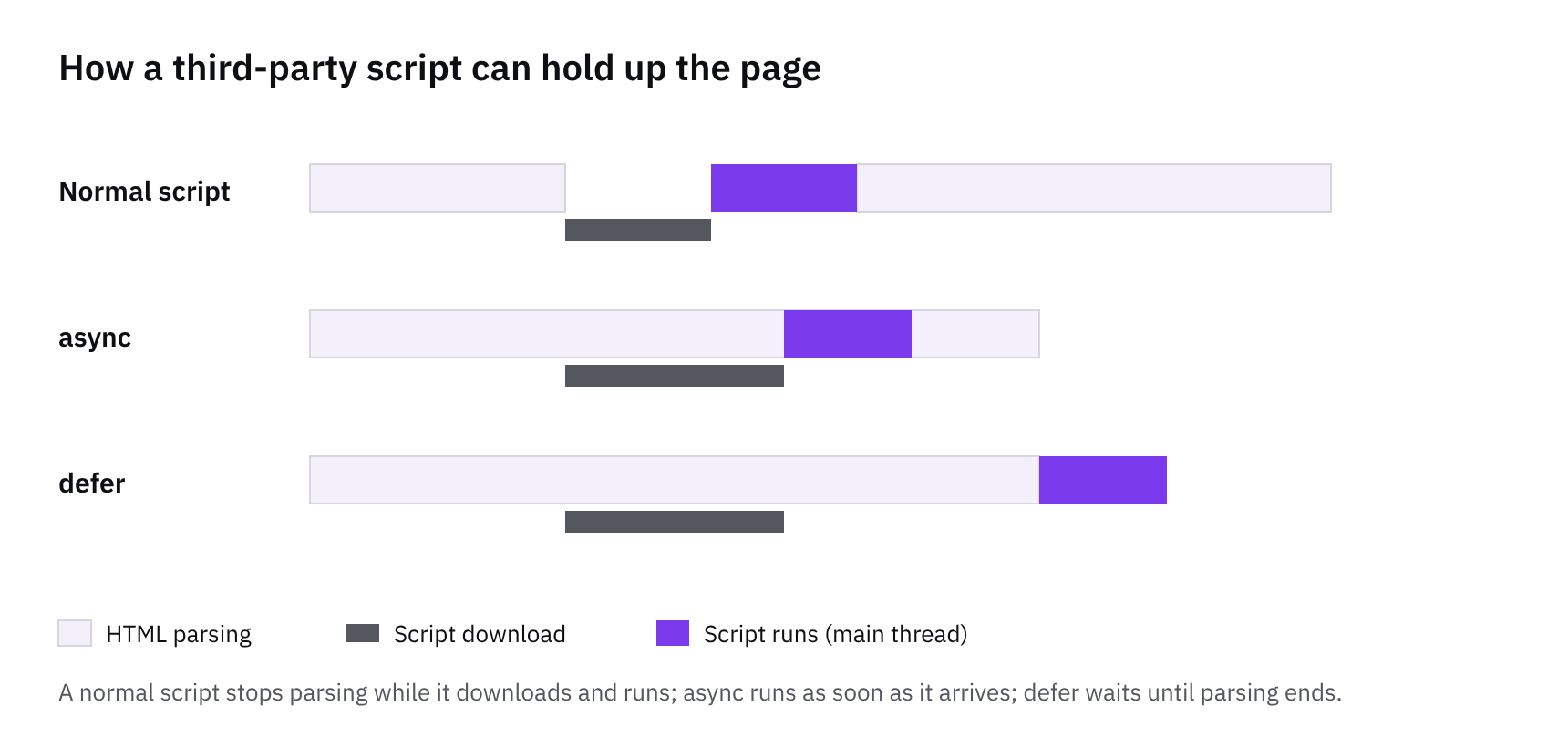
Personalisation and lifecycle work needn't mean another heavy third-party tool at first. Shopify defines a segment as a group of members, commonly customers, that meet specific criteria, and members can belong to more than one segment. Build your audiences there, then use marketing automations, the workflow tool built into the Shopify admin. If you're writing an app, you can create a marketing automation action, so merchants can run your app's marketing activities based on conditions in their store. The GraphQL Admin API also lets an app create and manage marketing efforts, including on a platform outside Shopify. A practical tip: agree the segments with the merchant first, then wire up the tools around them.
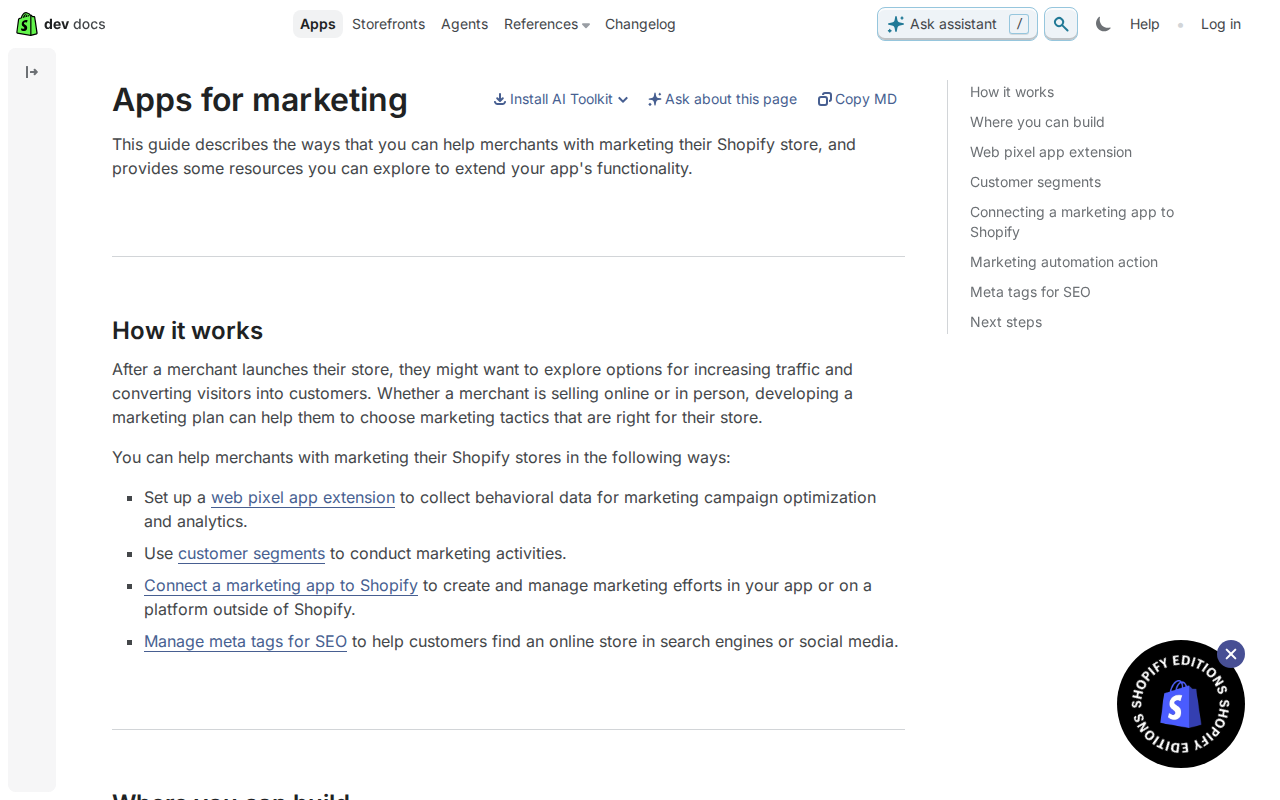
Keep an eye on script weight as the stack grows. Every new tool adds JavaScript, and the cost only shows once several are loading together. Shopify says web pixel app extensions aim to avoid performance and privacy alerts, which is a good reason to prefer them. Before adding anything, ask what it replaces and whether the page really needs it on every template. Then test page speed with the new tool switched on, not just in the vendor's demo. This tends to save you the awkward conversation later, when a store has ten tools and nobody remembers why.
Pitfalls and next steps
Don't read tool presence as a cause of growth. Bigger sites run more of these tools, but that doesn't mean installing Riskified or Narvar will lift a store up the ranks. More likely the tools arrive because the store has grown and the problems got bigger. Even among Shopify stores, only a minority of those using any one tool are bigger sites: 9 of 17 for Narvar, 10 of 33 for Nosto. Plenty of smaller stores run the same things.
Treat the bands as rough steps too. They come from the Chrome UX Report, which Chrome for Developers describes as a dataset of how real-world Chrome users experience popular destinations on the web. A store only appears if it is publicly discoverable and has enough visitors to produce a statistically significant dataset. So a band is a coarse ranking step, not a visit count, and a store near an edge could easily sit on either side of it.
So add tools when a real problem appears, not because larger stores have them. Fraud losses justify a fraud screening app. A stream of support queries about where parcels are justifies delivery tracking. Weak search results justify a search or recommendations tool. Then keep the load in check. Review installed scripts regularly and remove anything nobody uses. Where an app offers one, prefer a web pixel app extension.
How we measured this
Of 725 stores we index that we could scan, not the whole market.
Traffic bands come from the Chrome UX Report’s popularity rank: a rough guide to how many Chrome users visit a site, in steps (top 1,000, 5,000, 10,000 and so on), never visit numbers. It counts only Chrome, and only sites with enough visits to be listed.
Bigger sites in our index are more often on enterprise platforms, so a tool can look like a big-site tool partly because of the platform it runs on; the Shopify-only view takes that out.
Some of the biggest stores turn crawlers away, so they’re missing from these figures, and some tools are on only 10 to 20 stores: read the shares as a direction, not a precise measure.
A tool found mostly on bigger sites isn’t necessarily built only for them: it may simply be priced or sold that way. We report where tools are found, not why.
Features and tools are read from each store’s public HTML, so anything added only by JavaScript after the page loads may be missed: treat these as lower bounds.
Tools in this article
Which of the stores we index use them, by platform, sector and over time.
- Narvar on 27 stores
- Adyen on 27 stores
- Amplitude on 16 stores
- Bloomreach on 30 stores
- Nosto on 39 stores
- Riskified on 19 stores
- Segment on 25 stores
- Adobe Experience Platform Tags on 33 stores
- Cloudflare Web Analytics on 70 stores
- Dynamic Yield on 28 stores
- Ordergroove on 28 stores
- Signifyd on 42 stores
- UsableNet on 20 stores
Get the weekly digest
One email every Monday: the week’s new guides and articles, plus the Shopify deadlines coming up and what’s been announced. Free, and you can unsubscribe in one click.
Sources
- Overview of CrUX | Chrome UX Report | Chrome for Developers · developer.chrome.com · accessed 2 Nov 2026
- https://shopify.dev/docs/apps/build/marketing · shopify.dev · accessed 2 Nov 2026
- Chrome UX Report (CrUX) on BigQuery · Google · accessed 2 Nov 2026
- How CommerceGeek measures · CommerceGeek · accessed 2 Nov 2026
AI-assisted, reviewed by Scott. Every claim is checked against the sources above.