

Analytics and tracking: who's gaining and losing stores
Microsoft Clarity, Hotjar, Triple Whale and Stape all gained ground in our sample between October and November 2026, while Google Tag Manager remains the most common tag layer.
- Published
- 25 Nov 2026
- As of
- 16 Nov 2026
This is a factual look at analytics and tracking on the stores we index: who uses what, which tools moved, and how to choose between them. It is written for Shopify developers and the merchants and teams who rely on their tracking setup.
As of 2026-11-11. Features, integrations and prices are as each vendor’s own site showed them on that date; prices change, so check the vendor’s site before you buy. This is a factual comparison, not a ranking.
What analytics and tracking tools do
Most stores we scanned run some kind of tracking: 82% of the 987 have at least one analytics or tracking tool we can detect. So the real question is rarely whether to track, but which jobs you hand to which tool. They fall into four groups, and mixing them up is how stores end up with three tools doing the same thing.
Analytics and tracking: who uses what
Show the data
| Google Tag Manager | 36% |
|---|---|
| Microsoft Clarity | 36% |
| Triple Whale | 19% |
| Elevar | 18% |
| Hotjar | 17% |
| Google Analytics | 10% |
| Cloudflare Web Analytics | 8% |
| Contentsquare | 6% |
Tag managers load and control other scripts from one place. Google Tag Manager is the clear leader here, making up 19% of all the tools we found. Behaviour tools show you what visitors actually do on a page, through heatmaps and session recordings. Microsoft Clarity is the biggest of those at 20% of tools found, which suggests free recording is an easy first step. Attribution tools, with Triple Whale the biggest at 11%, tie orders back to the ad or channel that drove them. Half of everything we found sits outside those three, so the long tail is large.
Server-side tracking is the fourth job. Instead of firing every tag from the visitor's browser, you send events from a server you control. This tends to help because fewer scripts run on the page and browser restrictions get in the way less. On Shopify, the Web Pixels API is the supported route for browser-side tracking. It lets a pixel subscribe to customer events inside a sandbox, and app pixels run in a strict one. A practical tip: subscribe to the standard events first, and only add your own custom events when those don't cover a need. Then you can send the same event stream to every tool, rather than pasting a separate snippet into the theme for each.
Who is gaining and losing
Between 2026-10 and 2026-11, four tools moved up in the stores we index. Microsoft Clarity went from 25% to 35%. Hotjar went from 10% to 17%. Triple Whale went from 16% to 19%. Stape went from 0% to 3%. Clarity is now on 351 stores, 295 of them on Shopify, so the jump is mostly a Shopify story.
Analytics and tracking: the split
Show the data
| Google Tag Manager | 19% |
|---|---|
| Microsoft Clarity | 20% |
| Triple Whale | 11% |
| Other | 50% |
We can't see why a store added a tool, so treat what follows as reasoning. Clarity and Hotjar both record sessions and show heatmaps (where visitors click and scroll). Adding one is quick and a merchant can try it without a developer. That tends to make them easy first picks when a team wants to see how shoppers behave. Our scans only show what is present, so a rise may include stores that installed a tool and left it running.
Triple Whale and Stape point to a different need: tracking that holds up. Triple Whale is on 191 stores, 187 on Shopify, and it is built around attributing sales to ad channels. Stape is new in our data and sits on 31 stores, all on Shopify. We read it as interest in server-side tagging, where events go through a server you control instead of only the browser. That tends to appeal as browsers limit third-party scripts.
The practical tip: wire new tools through Shopify's Web Pixels API rather than pasting scripts into the theme. The Shopify docs say app pixels load in a strict sandbox, and custom pixels load in a lax sandbox set up in the pixel manager in the admin. Pixels can subscribe to events such as all_standard_events, so one setup feeds several tools. Before you add another recorder, check what you already run, because two session tools on one store mostly add page weight.
Tag managers and analytics platforms
Google Tag Manager is the common tag layer in our index: 359 stores use it, and 271 of them are on Shopify. Google Analytics is on 98 stores, 64 of them on Shopify. The two do different jobs. Tag Manager is a container that loads and controls other tags. Analytics is one of the things it can load. So a store can easily have both, and many will have Tag Manager with no separate Analytics snippet at all.
Analytics and tracking: stores using any, by platform
Show the data
| Salesforce Commerce Cloud | 92% |
|---|---|
| Adobe Commerce (Magento) | 86% |
| Shopify | 84% |
Enterprise tools look different. Adobe Experience Platform Tags is on 32 stores, but only one is on Shopify. Tealium is on 8, again with one on Shopify. Segment and RudderStack, which collect events once and forward them to other tools, sit in between: Segment is on 29 stores, 14 of them on Shopify. This tends to happen because those tools were built around custom platforms with their own deployment pipelines, while Shopify stores lean on apps and the built-in pixel system.
Here is the tip: keep one tag layer as the source of truth. Pick Tag Manager, a customer data platform or a pixel app, and send every other tool's events through it. This tends to help because two layers firing the same purchase event is a classic cause of double-counted orders and arguments about whose numbers are right. On Shopify, the Web Pixels API is the natural home for this. It lets a pixel subscribe to customer events, and you can use all_standard_events to catch the lot. App pixels run in a strict sandbox, while custom pixels run in a lax sandbox and are set up in the pixel manager in the Shopify admin. Decide which one owns each event, then audit the theme for leftover hard-coded snippets.
Behaviour tools: Clarity, Hotjar and friends
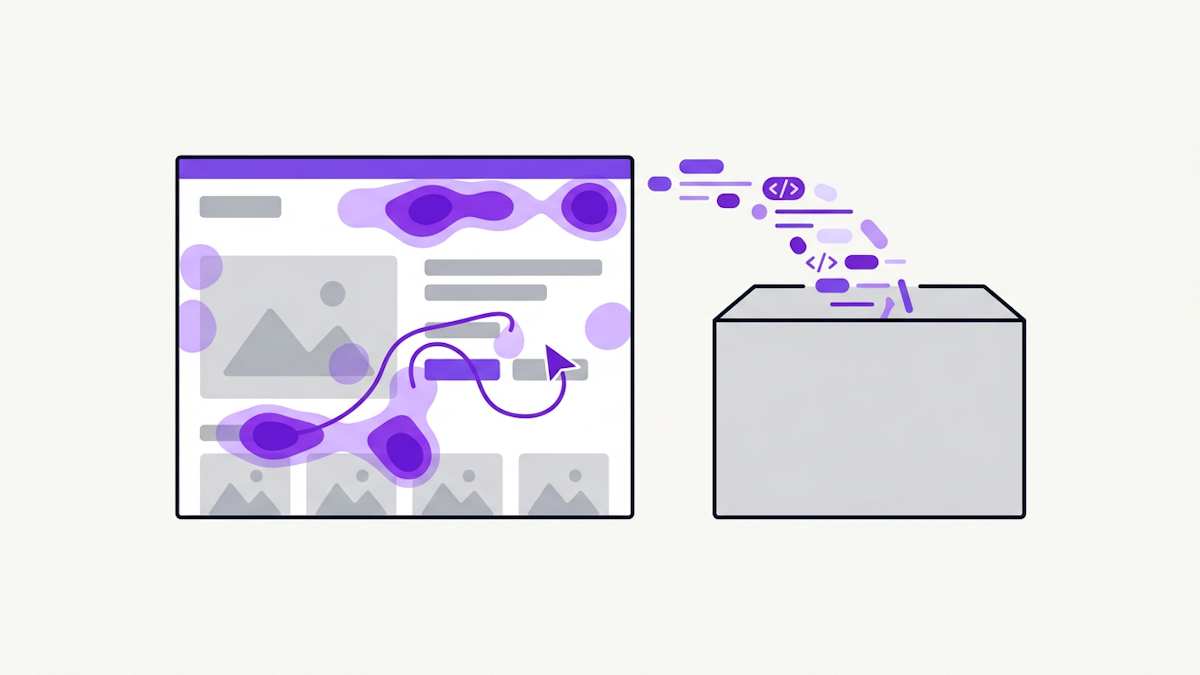
Session recording and heatmap tools show you what shoppers actually do on a page. A recording replays one visit: where the cursor went, what got tapped, where someone gave up. A heatmap pools many visits into a picture of where attention and clicks land. They answer the "why" behind a drop-off that your numbers only hint at, so they suit a merchant checking whether a product page layout is working.
Microsoft Clarity leads here, on 295 Shopify stores we scanned. Hotjar follows on 109. Behind them sit Lucky Orange on 16 and Crazy Egg on 15, all on Shopify. The gap between the first two and the rest is large, so if you are choosing a tool, you will most often be inheriting or replacing one of those two.
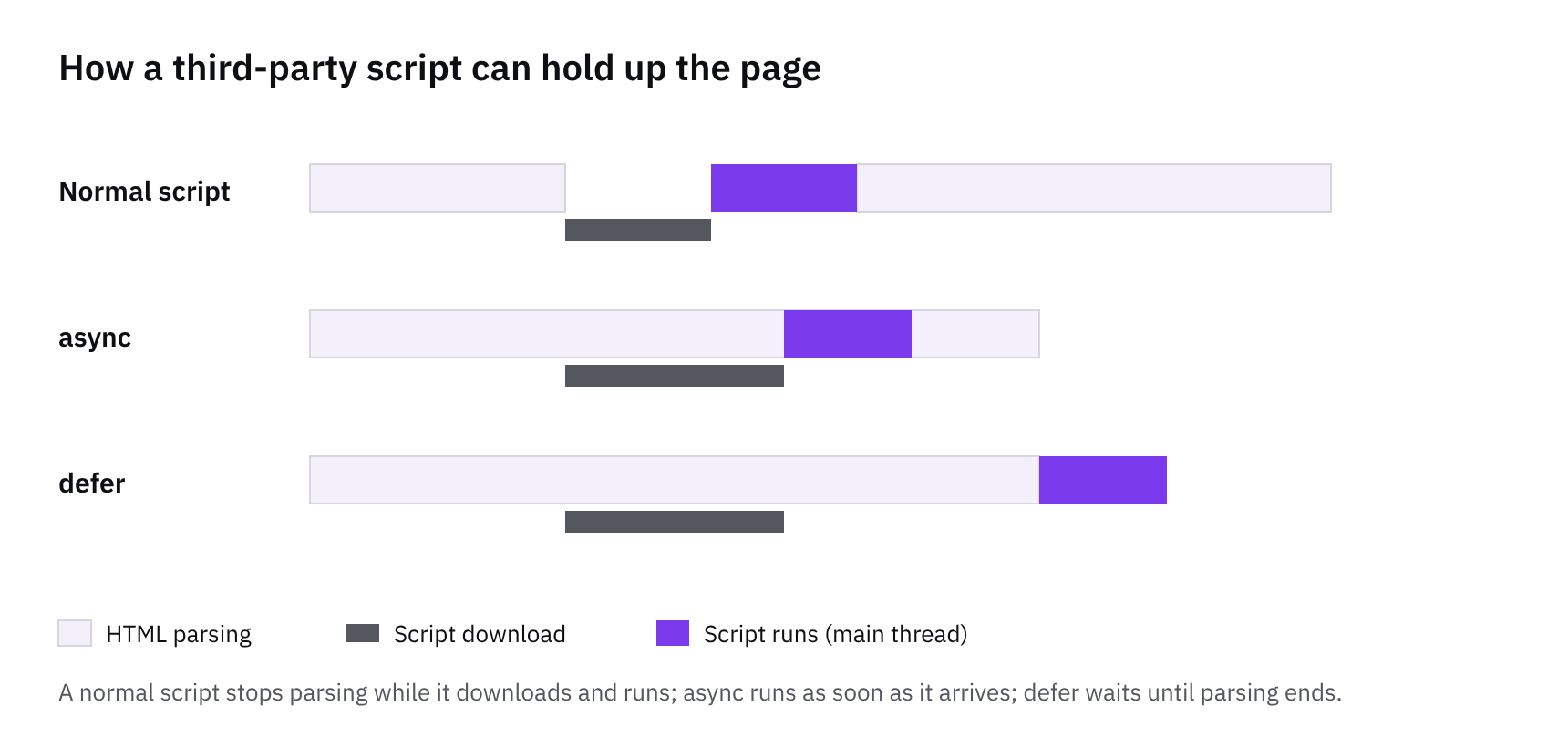
Every one of these tools is another script, and scripts add weight. Our tip: run one behaviour tool at a time, and switch it off once you have your answer. Two recorders on the same page double the cost for little extra insight. This tends to help because the browser has less to download and run before shoppers can act.
On the build side, avoid pasting snippets straight into theme.liquid. Shopify's Web Pixels API lets a pixel subscribe to customer events inside a sandbox, with custom pixels set up in the pixel manager in the admin. That keeps tracking code out of your theme and easier to remove later. Check whether your chosen tool offers a pixel or app route before you hand-edit the theme.
Attribution and server-side tools on Shopify
Elevar, Triple Whale and Stape are almost entirely Shopify tools. Elevar shows up on 173 indexed stores, 171 of them on Shopify. Triple Whale is on 191, 187 on Shopify. Stape is on 31, all on Shopify. That makes sense: these tools exist to get Shopify order and customer events to ad platforms and reporting dashboards, so they are built around how Shopify exposes those events.
The connection point is Shopify's Web Pixels API. Per the Web Pixels API docs, it gives access to a set of controlled APIs for accessing browser APIs and subscribing to customer events, within one of Shopify's Lax or Strict sandboxes. Tools that ship as apps use app web pixels, which are loaded in a strict sandbox and initialised by importing the @shopify/web-pixels-extension package. Merchants who want their own tracking use custom pixels, which are loaded in a lax sandbox and configured in the pixel manager in the Shopify admin. Note that custom pixels do not have access to the settings property the way app pixels do.
In practice, the pixel subscribes to events rather than scraping the page. You can listen to several at once with all_events, all_standard_events, all_custom_events or all_dom_events. If the standard events don't cover what you need, the docs say you can create, publish and subscribe to your own custom events. A tip: start with the standard events and only add custom ones for gaps, because fewer bespoke events tend to be easier to keep consistent across tools. And if you're choosing between an app pixel and a custom pixel, ask who will maintain it. An app pixel puts upkeep on the vendor, while a custom pixel is yours to look after.
How to choose
Start with the question, not the tool. Behaviour tools such as Microsoft Clarity or Hotjar show you what shoppers do on a page. Attribution tools such as Triple Whale tell you which channels get the credit. Data routing tools such as Stape or Google Tag Manager move events from your store to wherever they need to go. Most stores need one of each at most, and many need less. Clarity is on 295 of the 730 Shopify stores we scanned, so it is the common starting point for behaviour.
Analytics and tracking: stores using any, by sector
Show the data
| Beauty | 89% |
|---|---|
| Pets | 88% |
| Home | 85% |
| Big retailers | 85% |
| Sports and outdoor | 84% |
| Tech accessories | 84% |
| Fashion | 82% |
| Food and drink | 80% |
| Health and wellness | 80% |
| Gifts and stationery | 71% |
| Kids | 71% |
Next, write down the events you need before you install anything: product viewed, added to cart, checkout started, purchase. Then build on the Web Pixels API rather than pasting scripts into the theme. Shopify's docs say it gives you controlled APIs for subscribing to customer events inside a Lax or Strict sandbox. This tends to help because the events come from one place, and the sandbox keeps tracking code away from the rest of the page. App pixels load in a strict sandbox, while custom pixels run in a lax one and are set up in the pixel manager in the Shopify admin. If the standard events fall short, you can publish your own custom events.
Sector patterns are a useful sense check, not a rule. In fashion, Clarity is the most used tool, on 86 stores. In beauty, Google Tag Manager leads, on 58 stores, and 120 of 135 beauty stores have some tracking. Copying a peer's stack is a fine place to start, but you should still ask what each tool answers for you. Finally, review what you can remove. Overlapping heatmap tools and old tags add page weight and muddy your data, so keep one tool per question and retire the rest.
How we measured this
Of 987 stores we index that we could scan, not the whole market.
Features and tools are read from each store’s public HTML, so anything added only by JavaScript after the page loads may be missed: treat these as lower bounds.
Tools are recognised by our detection rules; a tool we have no rule for isn’t counted.
Spotted something out of date? Tell us and we’ll correct it.
Tools in this article
Which of the stores we index use them, by platform, sector and over time.
- Triple Whale on 191 stores
- Stape on 31 stores
- Hotjar on 173 stores
- Google Tag Manager on 367 stores
- Microsoft Clarity on 354 stores
- Elevar on 174 stores
- Adobe Experience Platform Tags on 35 stores
- Crazy Egg on 19 stores
- Google Analytics on 99 stores
- Lucky Orange on 16 stores
- RudderStack on 11 stores
- Tealium on 9 stores
Get the weekly digest
One email every Monday: the week’s new guides and articles, plus the Shopify deadlines coming up and what’s been announced. Free, and you can unsubscribe in one click.
Sources
- Web Pixels API · shopify.dev · accessed 11 Nov 2026
- How CommerceGeek measures · CommerceGeek · accessed 11 Nov 2026
AI-assisted, reviewed by Scott. Every claim is checked against the sources above.